UI Concepts Framework · CHAPTER 6 OF 8

The typography system

Step 6 Define Typography

Start With the Brand Guidelines

Review the typography provided in the brand guidelines, but check whether it is practical for the software.

​

The goal is to maintain brand consistency without reducing readability.

Illustration accompanying Start With the Brand Guidelines

Start With the Brand Guidelines

Review the typography provided in the brand guidelines, but check whether it is practical for the software.

The goal is to maintain brand consistency without reducing readability.

Illustration accompanying Start With the Brand Guidelines

Brand Fonts May Not Work Everywhere

A font that looks good in branding, websites, or presentations may become difficult to read inside:

Data Tables

Tables

Forms

Name*

Email*

Where did you find us*

Upload video

Upload the introduction video here

Submit

Dashboards

Dashboard

Reports

Manufacturing Reports

Information-heavy screens

Brand Fonts May Not Work Everywhere

A font that looks good in branding, websites, or presentations may become difficult to read inside:

Data Tables

Tables

Forms

Name*

Email*

Where did you find us*

Upload video

Upload the introduction video here

Submit

Dashboards

Dashboard

Reports

Manufacturing Reports

Information-heavy screens

Define Readable Font Sizes

For regular interface text:

​

Minimum size: 12 px

Maximum body-text size: 24 px

Suggested display-heading range: 32–48 px, depending on the screen and hierarchy

H2 Heading

48 px

H3 Heading

44 px

H5 Heading

36 px

H4 Heading

40 px

Body

24 px

Body

12 px

Define Readable Font Sizes

H2 Heading

48 px

H3 Heading

44 px

H4 Heading

40 px

36 px

H5 Heading

24 px

Body

For regular interface text:

Minimum size: 12 px

Maximum body-text size: 24 px

Suggested display-heading range: 32–48 px, depending on the screen and hierarchy

12 px

Body

Use a Maximum of Two Fonts

More Fonts Create More Inconsistency

​

A software interface should use no more than two font families.

​

Too many fonts can weaken hierarchy, reduce consistency, and make the interface feel visually fragmented.


Use a Maximum of Two Fonts: Heading - 1 Heading - 2 Heading - 3 Heading - 3 Heading - 4 Heading - 5 Sub-heading - 1 Sub-heading - 2 Sub-heading - 3 Sub-heading - 4 Sub-heading - 5

Heading - 1

Heading - 2

Heading - 3

Heading - 3

Heading - 4

Heading - 5

Sub-heading - 1

Sub-heading - 2

Sub-heading - 3

Sub-heading - 4

Sub-heading - 5

Use a Maximum of Two Fonts: Heading - 1 Heading - 2 Heading - 3 Heading - 3 Heading - 4 Heading - 5 Sub-heading - 1 Sub-heading - 2 Sub-heading - 3 Sub-heading - 4 Sub-heading - 5

Use a Maximum of Two Fonts

More Fonts Create More Inconsistency

A software interface should use no more than two font families.

Too many fonts can weaken hierarchy, reduce consistency, and make the interface feel visually fragmented.

Use a Maximum of Two Fonts: Heading - 1 Heading - 2 Heading - 3 Heading - 3 Heading - 4 Heading - 5 Sub-heading - 1 Sub-heading - 2 Sub-heading - 3 Sub-heading - 4 Sub-heading - 5

Heading - 1

Heading - 2

Heading - 3

Heading - 3

Heading - 4

Heading - 5

Sub-heading - 1

Sub-heading - 2

Sub-heading - 3

Sub-heading - 4

Sub-heading - 5

Use a Maximum of Two Fonts: Heading - 1 Heading - 2 Heading - 3 Heading - 3 Heading - 4 Heading - 5 Sub-heading - 1 Sub-heading - 2 Sub-heading - 3 Sub-heading - 4 Sub-heading - 5

Option 1: Use One Font Family

Option 1: Use One Font Family: Section headings Body text Page titles Tables Buttons

Section headings

Option 1: Use One Font Family: Section headings Body text Page titles Tables Buttons

Body text

Option 1: Use One Font Family: Section headings Body text Page titles Tables Buttons

Page titles

Option 1: Use One Font Family: Section headings Body text Page titles Tables Buttons

Tables

Option 1: Use One Font Family: Section headings Body text Page titles Tables Buttons

Buttons

It Can Be Used For:

Use one versatile font family across the interface when it provides enough styles and weights for clear hierarchy.

Option 1: Use One Font Family

Use one versatile font family across the interface when it provides enough styles and weights for clear hierarchy.

Option 1: Use One Font Family: Section headings Body text Page titles Tables Buttons

Section headings

Option 1: Use One Font Family: Section headings Body text Page titles Tables Buttons

Body text

Option 1: Use One Font Family: Section headings Body text Page titles Tables Buttons

Page titles

Option 1: Use One Font Family: Section headings Body text Page titles Tables Buttons

Tables

Option 1: Use One Font Family: Section headings Body text Page titles Tables Buttons

Buttons

It Can Be Used For:

Expressive Font

Empty-state titles

Major headings

Display text

Key brand moments

Option 2: Use Two Font Families

Use two complementary font families when one font cannot handle both brand expression and interface readability.

​

Interface Font

Body text

Tables

Forms

Helper text

Buttons

Labels

Option 2: Use Two Font Families

Use two complementary font families when one font cannot handle both brand expression and interface readability.

Expressive Font

Interface Font

Body text

Tables

Forms

Helper text

Buttons

Labels

Empty-state titles

Major headings

Display text

Key brand moments

Typography Should Guide Attention

Typography should create a clear reading order and help users scan the interface quickly.

Typography Should Guide Attention: What the page is about What information matters most What is supporting content Which labels belong to fields Which actions are available

What the page is about

Typography Should Guide Attention: What the page is about What information matters most What is supporting content Which labels belong to fields Which actions are available

What information matters most

Typography Should Guide Attention: What the page is about What information matters most What is supporting content Which labels belong to fields Which actions are available

What is supporting content

Typography Should Guide Attention: What the page is about What information matters most What is supporting content Which labels belong to fields Which actions are available

Which labels belong to fields

Typography Should Guide Attention: What the page is about What information matters most What is supporting content Which labels belong to fields Which actions are available

Which actions are available

Help Users Quickly Understand:

Typography Should Guide Attention

Typography should create a clear reading order and help users scan the interface quickly.

Typography Should Guide Attention: What the page is about What information matters most What is supporting content Which labels belong to fields Which actions are available

What the page is about

Typography Should Guide Attention: What the page is about What information matters most What is supporting content Which labels belong to fields Which actions are available

What information matters most

Typography Should Guide Attention: What the page is about What information matters most What is supporting content Which labels belong to fields Which actions are available

What is supporting content

Typography Should Guide Attention: What the page is about What information matters most What is supporting content Which labels belong to fields Which actions are available

Which labels belong to fields

Typography Should Guide Attention: What the page is about What information matters most What is supporting content Which labels belong to fields Which actions are available

Which actions are available

Help Users Quickly Understand:

Test Typography in Real Screens

Do not finalise typography only by viewing a type-scale sheet. Test it inside the selected UI Concept screens, including:

​

  • Dashboard
  • Table
  • Form
  • Detail screen
  • Empty state
  • AI or chat interface
Test Typography in Real Screens: Name* Email* Where did you find us* Upload video Upload the introduction video here Submit Dashboard Tables

Name*

Email*

Where did you find us*

Upload video

Upload the introduction video here

Submit

Dashboard

Tables

Test Typography in Real Screens

Do not finalise typography only by viewing a type-scale sheet. Test it inside the selected UI Concept screens, including:

  • Dashboard
  • Table
  • Form
  • Detail screen
  • Empty state
  • AI or chat interface
Test Typography in Real Screens: Name* Email* Where did you find us* Upload video Upload the introduction video here Submit Dashboard Tables

Name*

Email*

Where did you find us*

Upload video

Upload the introduction video here

Submit

Dashboard

Tables

Typography Checklist

The Final Check Before moving to next process

If the answer is no for even one or if there is even the tiniest bit ambiguity, the team should not proceed. Understand the context before moving further.

Illustration accompanying The Final Check Before moving to next process

Has the brand typography been reviewed?

Is the font readable at 12 px?

Does it work in tables and forms?

Are no more than two fonts used?

Does the typography reflect the brand persona?

Is the hierarchy easy to understand?

Have you understood:

Have you understood:

  • Has the brand typography been reviewed?

  • Is the font readable at 12 px?

  • Does it work in tables and forms?

  • Are no more than two fonts used?

  • Does the typography reflect the brand persona?

  • Is the hierarchy easy to understand?

Have you understood:

The Final Check Before moving to next process

If the answer is no for even one or if there is even the tiniest bit ambiguity, the team should not proceed. Understand the context before moving further.

Has the brand typography been reviewed?

Is the font readable at 12 px?

Does it work in tables and forms?

Are no more than two fonts used?

Does the typography reflect the brand persona?

Is the hierarchy easy to understand?

Illustration accompanying The Final Check Before moving to next process

Final Step 6 Takeaway

Typography Should Make Complex Information Easier to Understand

​

The goal is not to apply the brand font everywhere.

​

The goal is to balance readability, hierarchy, task completion, and brand identity across the complete product.
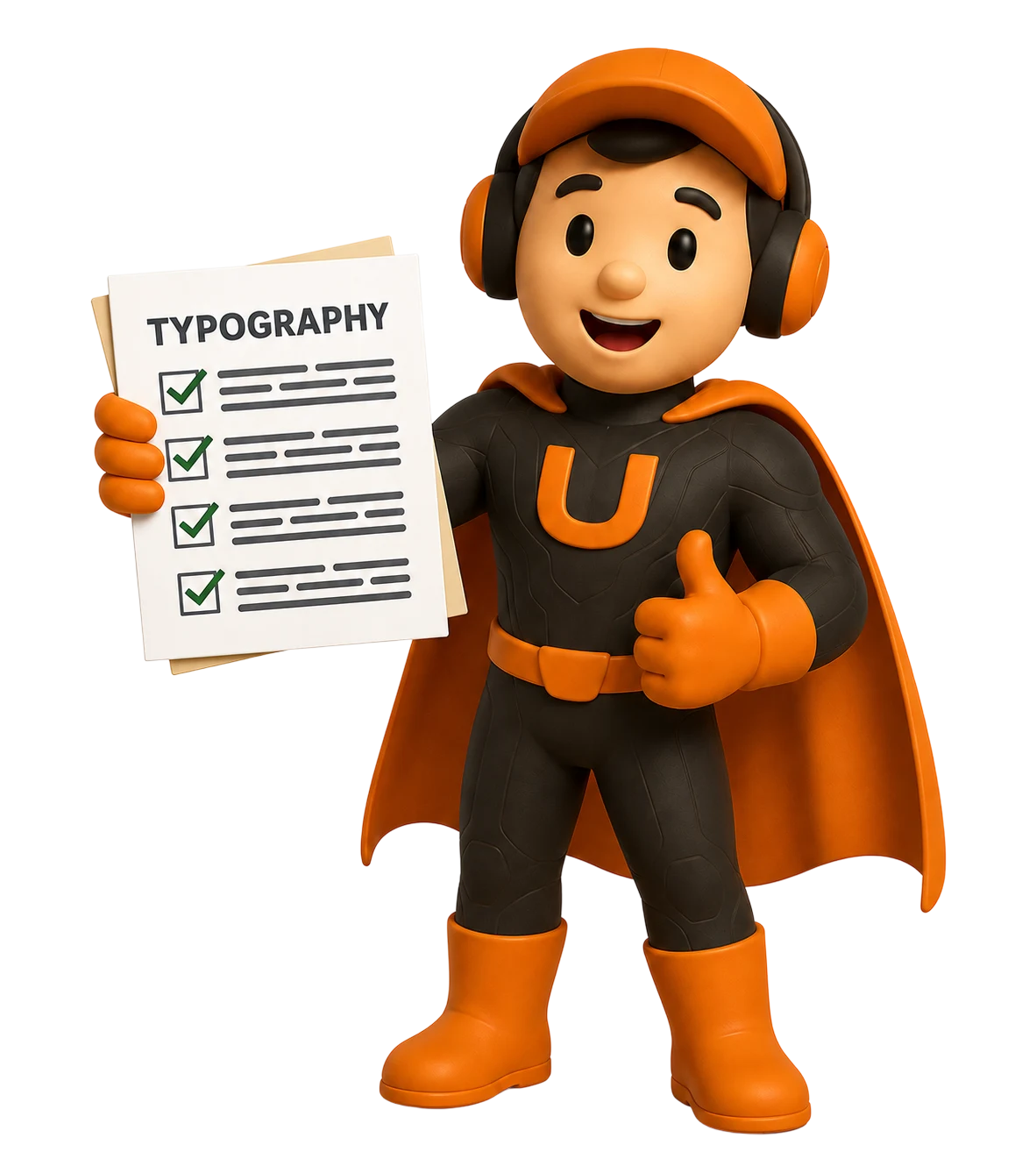
Illustration accompanying Final Step 6 Takeaway

Final Step 6 Takeaway

Typography Should Make Complex Information Easier to Understand

The goal is not to apply the brand font everywhere.

The goal is to balance readability, hierarchy, task completion, and brand identity across the complete product.

Illustration accompanying Final Step 6 Takeaway

FRAMEWORK CONTENTS

UI Concepts Framework

Search documentation

Search scope

Search across all eight guides.

Diagram detail