UX Audit Framework · CHAPTER 2 OF 6

UX audit foundations
Why Audit Cannot Be Ignored

You Cannot Fix What You Have Not Properly Identified.

A product may have confusing flows, hidden actions, missing states, poor hierarchy, or unnecessary steps.

​

But when teams look only at individual screens, many of these problems appear small or go unnoticed completely.

​

An audit helps connect these small gaps to the larger product experience.

Illustration accompanying You Cannot Fix What You Have Not Properly Identified.

You Cannot Fix What You Have Not Properly Identified.

A product may have confusing flows, hidden actions, missing states, poor hierarchy, or unnecessary steps.

But when teams look only at individual screens, many of these problems appear small or go unnoticed completely.

An audit helps connect these small gaps to the larger product experience.

Illustration accompanying You Cannot Fix What You Have Not Properly Identified.

A UX Problem Rarely Exists on Just One Screen.

A confusing button may be a screen problem.

​

But a user repeatedly missing the same action across five modules is a product pattern problem.

​

Auditing the complete product helps us identify whether an issue is isolated or repeatedly affecting the user experience.

Illustration accompanying A UX Problem Rarely Exists on Just One Screen.

A UX Problem Rarely Exists on Just One Screen.

A confusing button may be a screen problem.

But a user repeatedly missing the same action across five modules is a product pattern problem.

Auditing the complete product helps us identify whether an issue is isolated or repeatedly affecting the user experience.
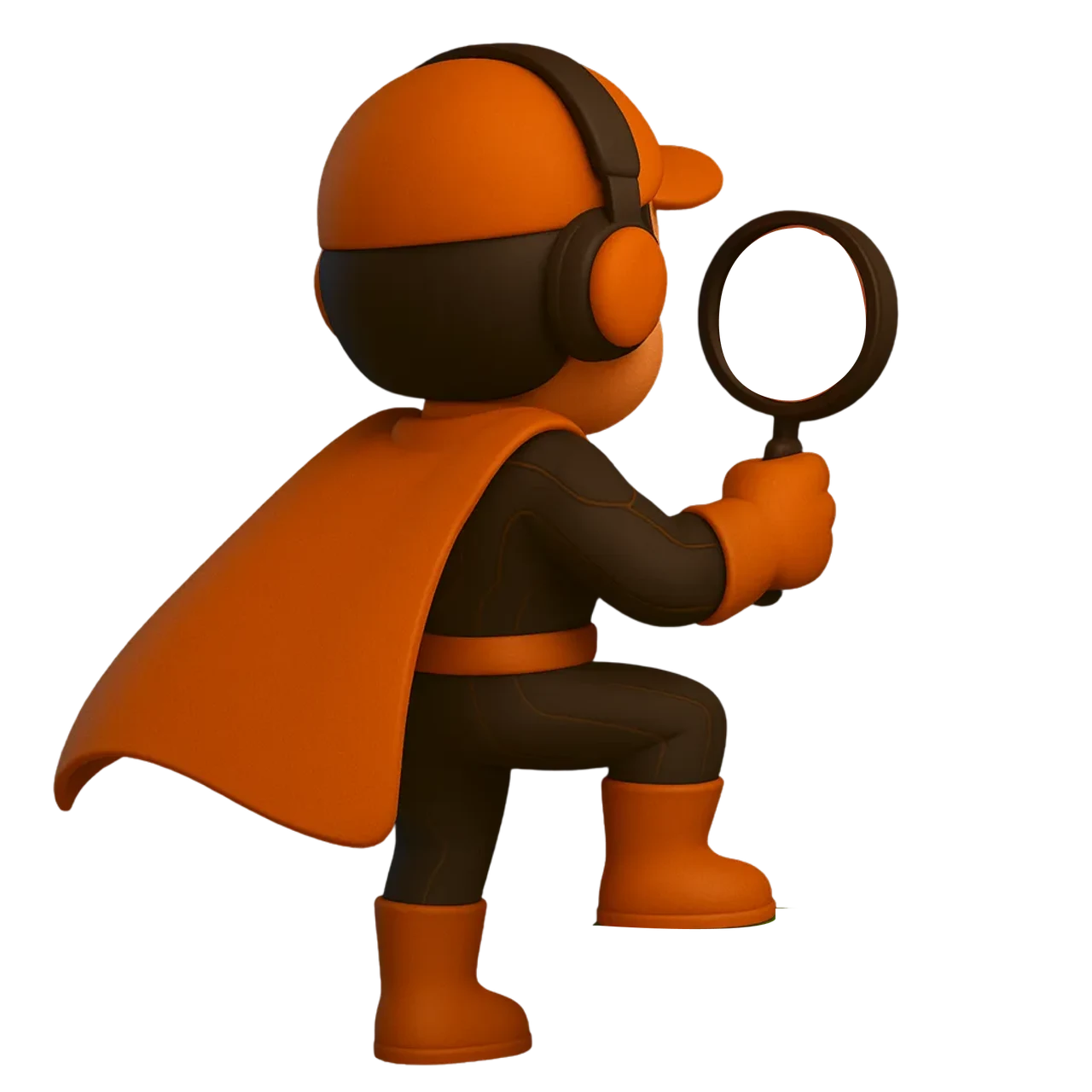
Illustration accompanying A UX Problem Rarely Exists on Just One Screen.

The Problem With Most Redesigns

A Modern UI Does Not Automatically Fix Existing UX Problems.

Broken flows are carried into the new UI

A redesign will fail if:

Missing states remain missing

Important actions stay difficult to find

Existing product logic is never questioned

Redundant steps are redesigned, not removed.

A Modern UI Does Not Automatically Fix Existing UX Problems.

A redesign will fail if:

  • Broken flows are carried into the new UI

  • Missing states remain missing

  • Important actions stay difficult to find

  • Existing product logic is never questioned

  • Redundant steps are redesigned, not removed.

A Modern UI Does Not Automatically Fix Existing UX Problems.

Broken flows are carried into the new UI

A redesign will fail if:

Missing states remain missing

Important actions stay difficult to find

Existing product logic is never questioned

Redundant steps are redesigned, not removed.

A Modern UI Does Not Automatically Fix Existing UX Problems.

A redesign will fail if:

Broken flows are carried into the new UI

Missing states remain missing

Important actions stay difficult to find

Existing product logic is never questioned

Redundant steps are redesigned, not removed.

Illustration accompanying Example:
Example:: Discoverability Workflow continuity Navigation clarity

Discoverability

Workflow continuity

Navigation clarity

Example:

In one enterprise product, important features already existed.

​

The problem was that users could not easily discover them or understand how to move from one feature to the next.

​

Simply redesigning those screens would not solve the problem.

​

The audit changed the redesign focus towards discoverability, navigation clarity, and workflow continuity.

Example:

In one enterprise product, important features already existed.

The problem was that users could not easily discover them or understand how to move from one feature to the next.

Simply redesigning those screens would not solve the problem.

The audit changed the redesign focus towards discoverability, navigation clarity, and workflow continuity.

Illustration accompanying Example:
Example:: Discoverability Workflow continuity Navigation clarity

Discoverability

Workflow continuity

Navigation clarity

Double Diamond Context

Audit Ends the Problem Phase.

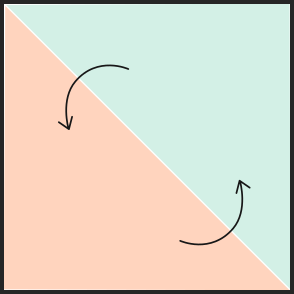
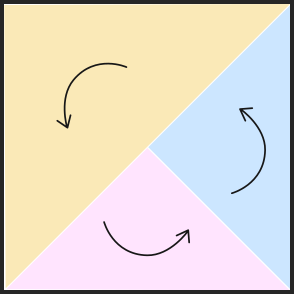
In the Double Diamond process, audit comes at the end of the problem phase.

​

It brings together everything learned so far and helps define the exact problems that need to be solved before moving into solutions.
Problem

Understand Users

Validate + Analysis

Specific User Need

Refine + Build

Explore Solutions

Solution

UI

Discover
Problem

Define
Problem

Explore
Solution

Deliver
Solution

Audit Ends the Problem Phase.

In the Double Diamond process, audit comes at the end of the problem phase.

It brings together everything learned so far and helps define the exact problems that need to be solved before moving into solutions.

Problem

Understand Users

Validate + Analysis

Specific User Need

Refine + Build

Explore Solutions

Solution

UI

Discover
Problem

Define
Problem

Explore
Solution

Deliver
Solution

What Is a UX Audit in SaaS Redesign?

UX Audit

A UX audit is an in-depth UI/UX review of the software.

​

It helps identify:

​

Problems

Improvement areas

Existing strengths

New opportunities

​

The goal is to understand what needs to be fixed, improved, retained, or explored.

Illustration accompanying UX Audit

UX Audit

A UX audit is an in-depth UI/UX review of the software.

It helps identify:

Problems

Improvement areas

Existing strengths

New opportunities

The goal is to understand what needs to be fixed, improved, retained, or explored.

Illustration accompanying UX Audit

Audit Is Not Only About What Is Wrong.

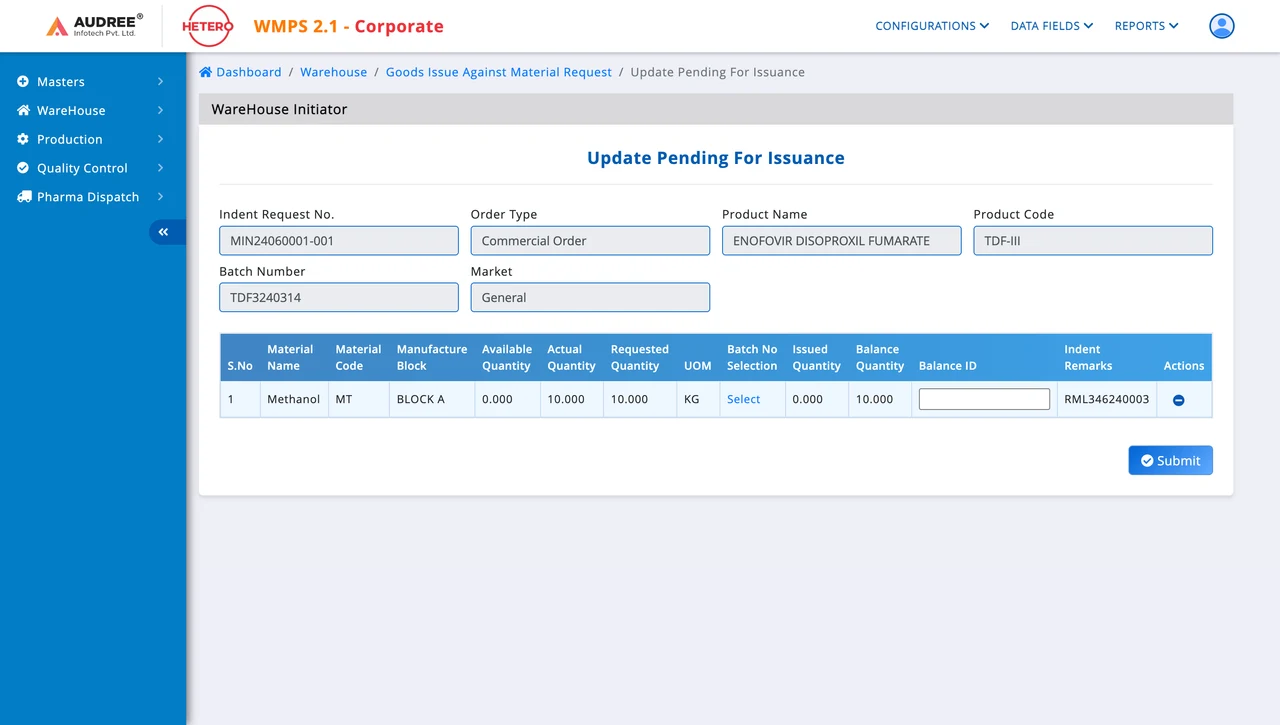
Elements and workflows that are already working well are equally important. They can be retained, reused, or extended to other parts of the software.

​

Audit should also capture ideas that can further improve the experience.

Audit Is Not Only About What Is Wrong.: 1 To be fixed 2 To be fixed 1 To be fixed 2 To be fixed

1

To be fixed

2

To be fixed

Audit Is Not Only About What Is Wrong.: 1 To be fixed 2 To be fixed 1 To be fixed 2 To be fixed

1

To be fixed

2

To be fixed

Audit Is Not Only About What Is Wrong.

Elements and workflows that are already working well are equally important. They can be retained, reused, or extended to other parts of the software.

Audit should also capture ideas that can further improve the experience.
Audit Is Not Only About What Is Wrong.: 1 To be fixed 2 To be fixed 1 To be fixed 2 To be fixed

1

To be fixed

2

To be fixed

Audit Is Not Only About What Is Wrong.: 1 To be fixed 2 To be fixed 1 To be fixed 2 To be fixed

1

To be fixed

2

To be fixed

Use a Colour-Coded Audit Structure.

Classify every audit point into four categories:

To-be Fixed

1

Title

To-be Improved

1

Title

Good

1

Title

Idea

1

Title

Use a Colour-Coded Audit Structure.: To-be Fixed 1 Title To-be Improved 1 Title Good 1 Title Idea 1 Title

Use a Colour-Coded Audit Structure.

Classify every audit point into four categories:

To-be Fixed

1

Title

To-be Improved

1

Title

Good

1

Title

Idea

1

Title

Use a Colour-Coded Audit Structure.: To-be Fixed 1 Title To-be Improved 1 Title Good 1 Title Idea 1 Title

We Audit Screen by Screen. Element by Element.

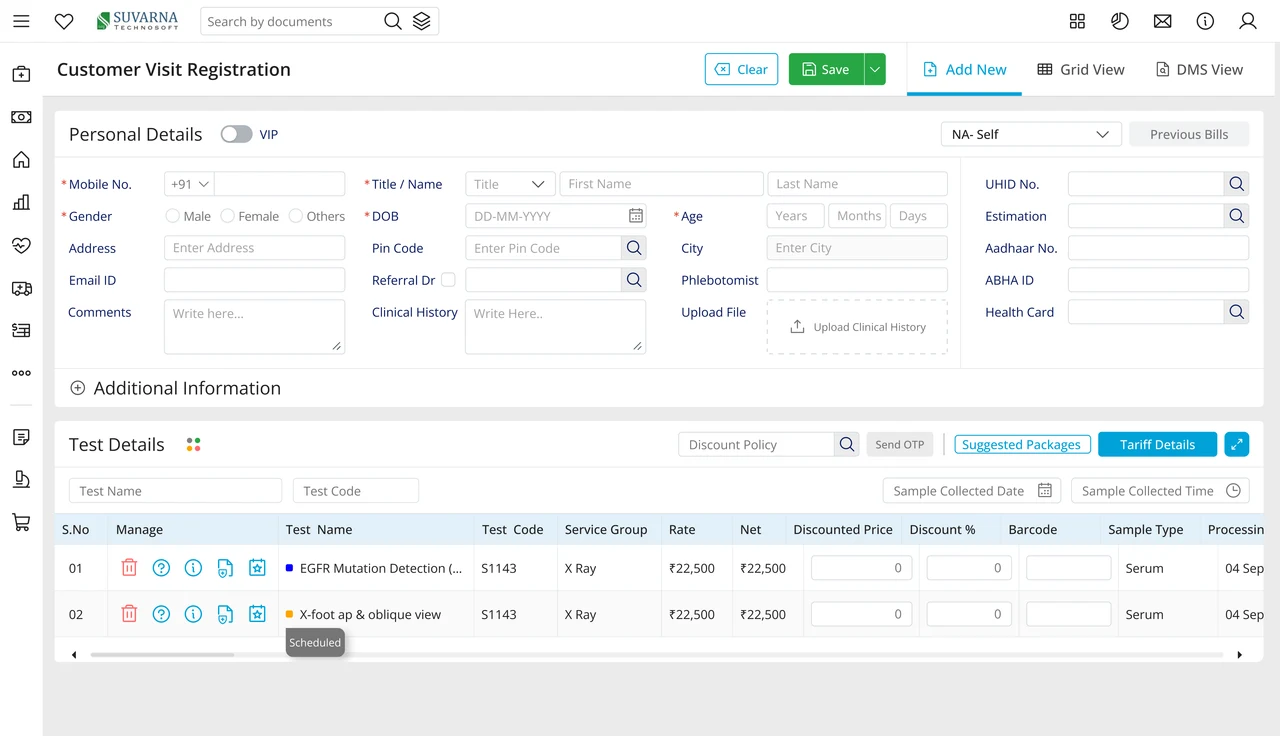
The audit is not done only from a high-level product view.

​

Every screen and element is examined to see what helps, slows down, or confuses the user.

​

Even a small gap can affect the complete task.

Illustration accompanying We Audit Screen by Screen. Element by Element.

We Audit Screen by Screen. Element by Element.

The audit is not done only from a high-level product view.

Every screen and element is examined to see what helps, slows down, or confuses the user.

Even a small gap can affect the complete task.
Illustration accompanying We Audit Screen by Screen. Element by Element.

The Goal Is Not to Find Everything That Looks Wrong.

What is creating friction?

How does it affect the workflow?

Why is it creating friction?

The Goal Is Not to Find Everything That Looks Wrong.: What is creating friction? How does it affect the workflow? Why is it creating friction? What needs to change during redesign?

What needs to change during redesign?

The goal is to understand:

The Goal Is Not to Find Everything That Looks Wrong.

The goal is to understand:

What is creating friction?

How does it affect the workflow?

What needs to change during redesign?

Why is it creating friction?

FRAMEWORK CONTENTS

UX Audit Framework

Search documentation

Search scope

Search across all eight guides.

Diagram detail