

B2B SaaS User Persona Framework · CHAPTER 5 OF 5
Applying and validating personas
Poor Personas Create Expensive Design Debt
When personas are weak, the team designs without understanding the user’s real role, responsibility, and workflow.
This leads to decisions that look good on screen but create problems during actual usage.


Confusion

Rework

Support dependency

Permission issues

Training effort
Workflow gaps
Poor Personas Create Expensive Design Debt
When personas are weak, the team designs without understanding the user’s real role, responsibility, and workflow.
This leads to decisions that look good on screen but create problems during actual usage.
Confusion
Rework
Support dependency
Permission issues
Training effort
Workflow gaps
Good Personas Lead to Better Design Decisions

Good Personas Lead to Better Design Decisions

The Final Check Before Moving to User Flows

Have You understood:
The user’s role?
Their department?
Their responsibilities?
what they do outside the software?
Their qualification?
Their experience level?
key characteristics?
And mapped RACI?
Converted persona insights into UX decisions?
The Final Check Before Moving to User Flows
User Persona Mapping Comes After Visual Userflow
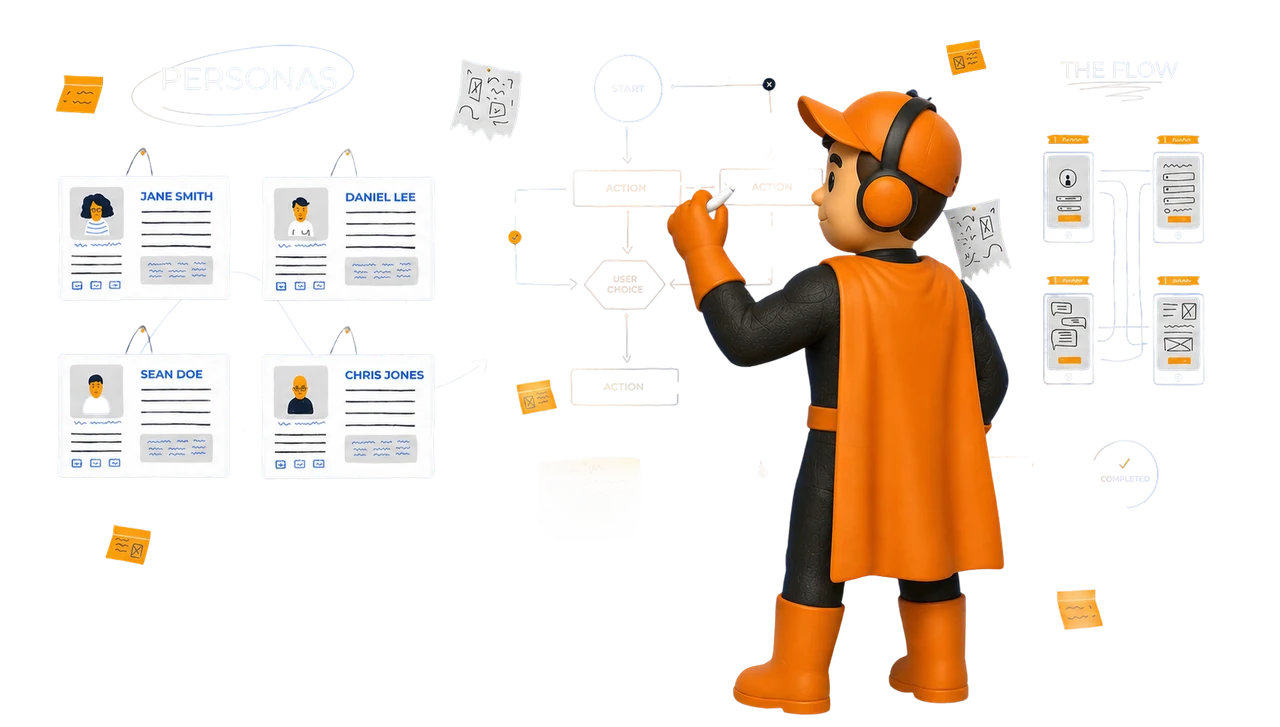
At Upslide, User Persona mapping comes after Visual User flow.
User persona mapping helps us understand the people behind the workflow.
It shows what each user is responsible for, how they work, who they depend on, and what the software must support for their role.

Visual Userflow
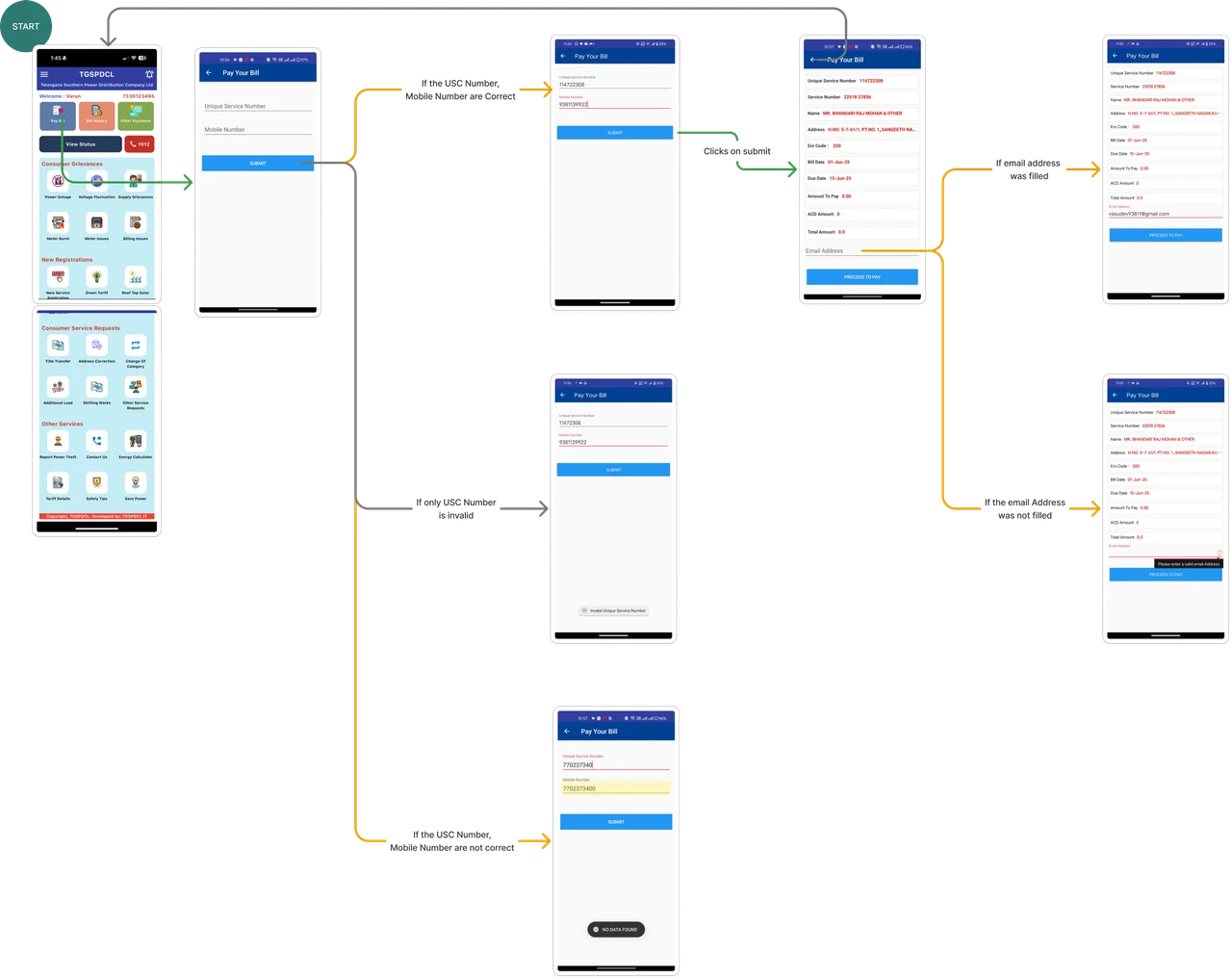

User Persona


Role & Background
Vaishali works in a mid-sized SaaS company as a Data Analyst. She has strong SQL skills and frequently uses analytics tools to provide insights to product and growth teams.

Characteristics
- Data-driven and detail-oriented
- Comfortable with SQL;
- moderate scripting knowledge
- High analytical rigor, low tolerance for inaccurate data
- Responsive to stakeholder requests
- Prefers speed, clarity, and repeatability
- Balances technical accuracy with business understanding
- Often multitasking across teams and questions

Vaishli Muthyam
28 years old

Data Analyst


Goals
- Quickly answer data questions with minimal manual coding.
- Create interactive visualizations to communicate trends.
- Reduce time spent on repetitive queries
- Validate insights with clear reasoning before sharing with stakeholders

Pain Points
- Too many requests from business teams with tight deadlines.
- Complex data structures that take time to understand.
- Switching between SQL editors and charting tools.
Needs
- AI-assisted querying that suggests and corrects SQL.
- Automatic generation of visualizations from data.
- Exportable insights for business stakeholders.
User Persona Mapping Comes After Visual Userflow
At Upslide, User Persona mapping comes after Visual User flow.
User persona mapping helps us understand the people behind the workflow.
It shows what each user is responsible for, how they work, who they depend on, and what the software must support for their role.
Visual Userflow
User Persona
Role & Background
Vaishali works in a mid-sized SaaS company as a Data Analyst. She has strong SQL skills and frequently uses analytics tools to provide insights to product and growth teams.
Characteristics
- Data-driven and detail-oriented
- Comfortable with SQL;
- moderate scripting knowledge
- High analytical rigor, low tolerance for inaccurate data
- Responsive to stakeholder requests
- Prefers speed, clarity, and repeatability
- Balances technical accuracy with business understanding
- Often multitasking across teams and questions
Vaishli Muthyam
28 years old
Data Analyst
Goals
- Quickly answer data questions with minimal manual coding.
- Create interactive visualizations to communicate trends.
- Reduce time spent on repetitive queries
- Validate insights with clear reasoning before sharing with stakeholders
Pain Points
- Too many requests from business teams with tight deadlines.
- Complex data structures that take time to understand.
- Switching between SQL editors and charting tools.
Needs
- AI-assisted querying that suggests and corrects SQL.
- Automatic generation of visualizations from data.
- Exportable insights for business stakeholders.

After User persona, our process continues with






After User persona, our process continues with

If You Are Redesigning SaaS, Start by Understanding the User’s Role




If You Are Redesigning SaaS, Start by Understanding the User’s Role

Before changing the interface, understand what is really slowing users down.
Before changing the interface, understand what is really slowing users down.
LET’S PUT IT INTO PRACTICE
Ready to improve your SaaS product?
Work with Upslide to uncover UX gaps, simplify complex workflows, and create a product your users can navigate with confidence.