

SaaS Redesign Research Framework · CHAPTER 4 OF 5
Workflows, roles, and competitors

Step 3 Software Workflow Research
Understand the Real Workflow,
Not Just the Software Flow



Understand the Real Workflow, Not Just the Software Flow
If the Workflow Is Misunderstood, the Redesign Breaks the Process

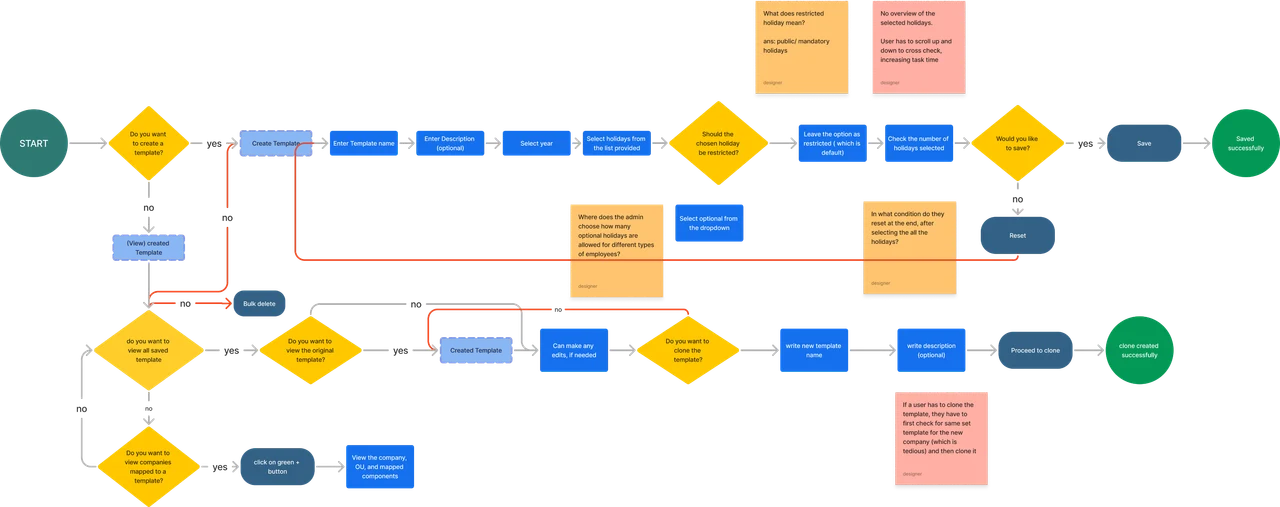

Process Gaps
Redundant Steps
Incomplete Paths
Navigation Issues
If the Workflow Is Misunderstood, the Redesign Breaks the Process

If the real workflow is misunderstood
If the real workflow is misunderstood
The designer may:
Place actions in the wrong sequence
Miss offline or manual steps
Hide critical checks
Create confusion between departments
Design a flow that does not match how users actually work
If the real workflow is misunderstood

The redesign must support the real process behind the software.
The redesign must support the real process behind the software.
Example
In a BMR workflow, we found that shift handoff was happening manually outside the software.
But this was a critical step because it recorded who completed the task, who continued it, and when responsibility changed.
If workflow research was skipped, this step would have been missed completely.




Example
In a BMR workflow, we found that shift handoff was happening manually outside the software.
But this was a critical step because it recorded who completed the task, who continued it, and when responsibility changed.
If workflow research was skipped, this step would have been missed completely.
Step 4 User Role Involved
Identify Who Uses the Software
At this stage, the goal is not to create detailed personas yet.
The goal is to get a clear understanding of all user types involved in the software.









Identify Who Uses the Software
At this stage, the goal is not to create detailed personas yet.
The goal is to get a clear understanding of all user types involved in the software.










Identify
Identify

This gives the design team an initial understanding of who uses the product and what each role is expected to do.
This gives the design team an initial understanding of who uses the product and what each role is expected to do.
Step 5 Competitor Analysis
The Final Research Step: Competitive Analysis

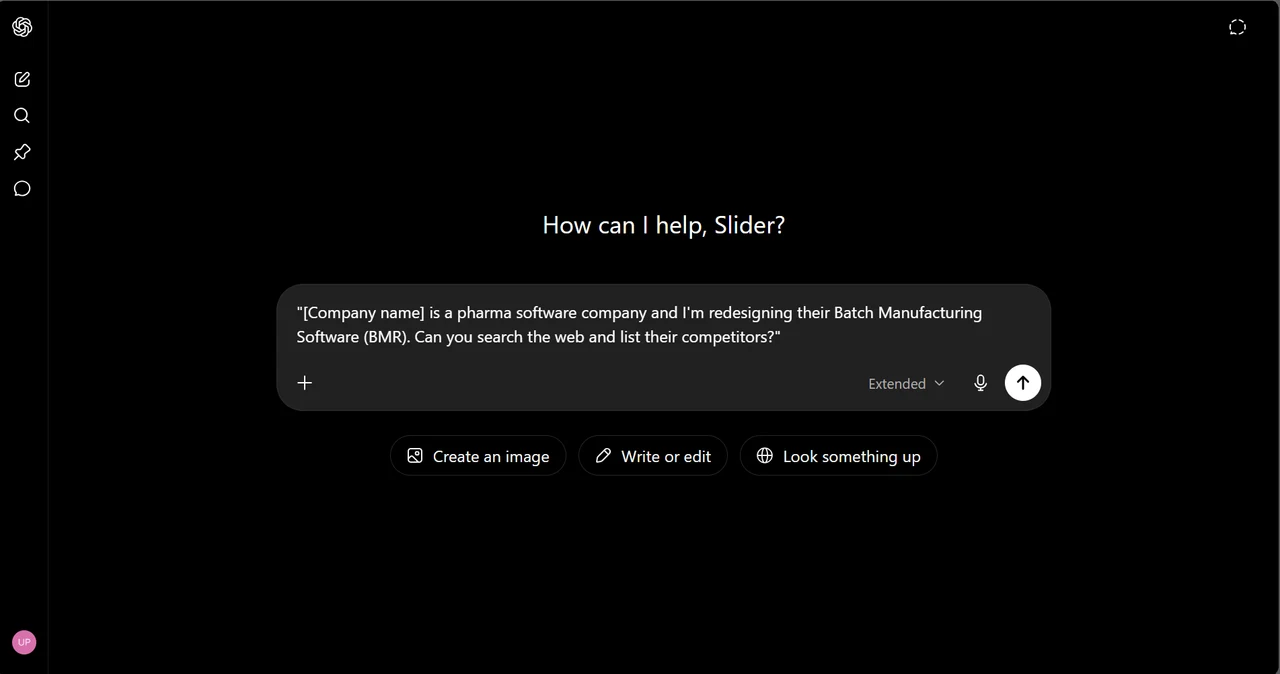

The Final Research Step: Competitive Analysis
It helps identify:
It helps identify:
Standard features competitors already provide
Common layouts and navigation patterns
Useful workflow structures
Reporting and dashboard expectations
Gaps where the product can improve
It helps identify:
There are two types of competitors
to study:

Direct
Competitors

Indirect
Competitors

There are two types of competitors to study:
Direct
Competitors
Indirect
Competitors
Direct Competitors
Direct competitors are products that solve the same core problem for the same type of users.
They help us understand what users already expect and where the product can stand out..
For example, for a BMR product, other Batch Manufacturing Record software would be direct competitors.

Competitor 1
Competitor 2

Direct Competitors
Direct competitors are products that solve the same core problem for the same type of users.
They help us understand what users already expect and where the product can stand out..
For example, for a BMR product, other Batch Manufacturing Record software would be direct competitors.
Competitor 1
Competitor 2
Indirect Competitors
Indirect competitors are not direct alternatives to your product, but they have one feature or workflow that overlaps with yours.
Example: A BMR product had a warehouse module, so we studied Zoho Inventory for inventory and stock movement flows.
It is not a BMR competitor, but it solves one overlapping workflow well. Making it an indirect competitor.

Indirect Competitors
Indirect competitors are not direct alternatives to your product, but they have one feature or workflow that overlaps with yours.
Example: A BMR product had a warehouse module, so we studied Zoho Inventory for inventory and stock movement flows.
It is not a BMR competitor, but it solves one overlapping workflow well. Making it an indirect competitor.